Nine AI keyboards, compared across software and hardware
The original article compares nine AI keyboards through two main areas: AI capabilities and hardware. It covers model access, writing, presentation creation, meeting tools and shortcut controls, followed by typing feel, noise, connectivity, battery life and design.
AI model access and coverage
The author places MiMouse first for model coverage, reporting access to 14 models spanning general-purpose assistants and specialized office, finance and creative tasks, with switching between models.
For iFLYTEK, the article lists two models for T8—a Spark model and a meeting-focused model—and two basic models for K1. It describes their emphasis as voice input and meeting workflows.
RK and KZZI are described as offering five to eight models for general questions, writing and translation. Rapoo is positioned as an entry-level option with three to five models for simpler questions and short-form writing. Logitech is described as accessing third-party assistants such as ERNIE Bot and Doubao.
Writing, presentations and meetings
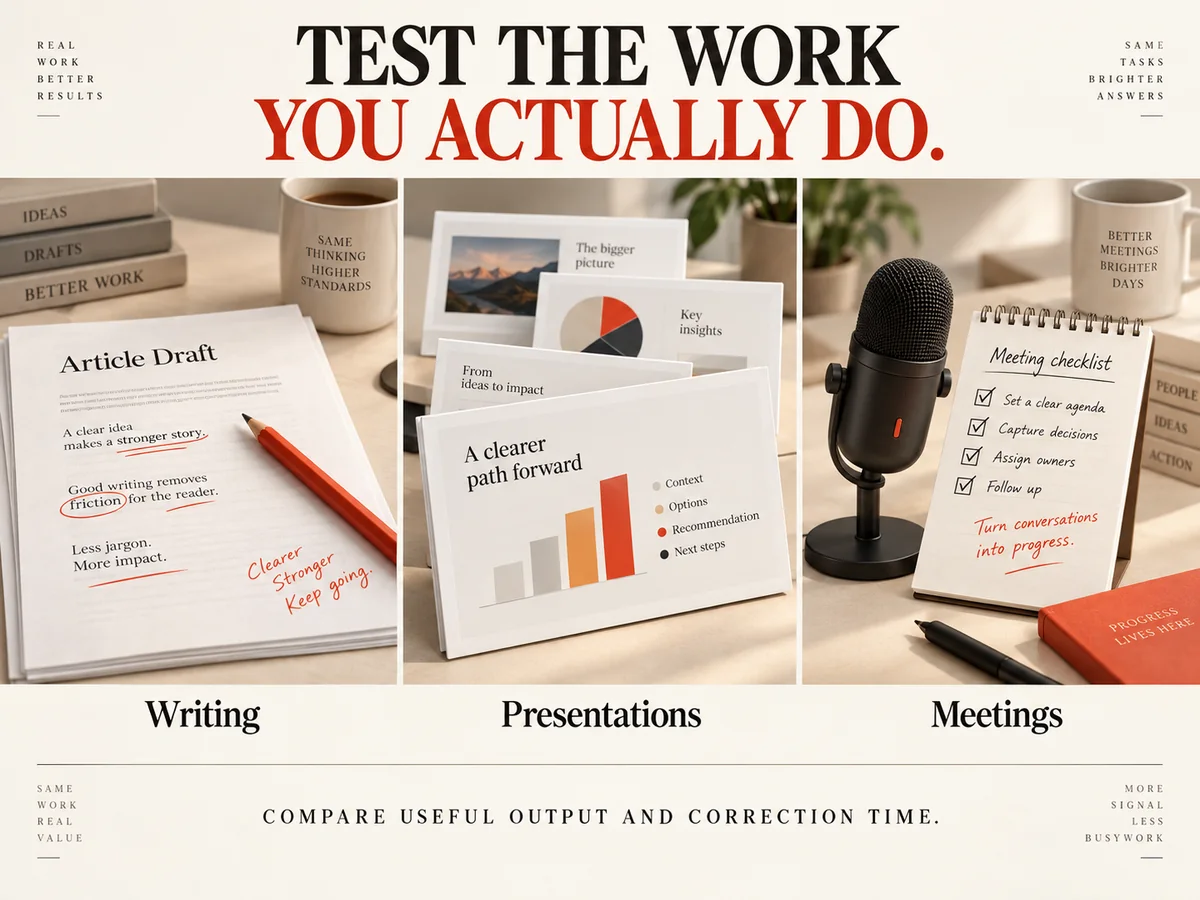
Writing. The article favors MiMouse for its range of writing styles, including reports, marketing copy and academic text. It describes importing reference documents, correcting typos and adding references. The author views iFLYTEK as more focused on organizing dictated text, while RK, KZZI and Rapoo are positioned around short passages and basic copy. Logitech’s writing workflow is described as relying on third-party AI.
Presentation creation. MiMouse receives the strongest assessment in the source for turning documents or outlines into slides, with automatic layout, images, colors and more than 100 templates. The source also mentions PDF-to-PPTX conversion. It describes T8 as offering topics and outlines, RK and KZZI as providing basic outlines, and K1, Rapoo and Logitech as lacking a dedicated presentation tool in the comparison.
Meetings. The author favors iFLYTEK T8 for transcription and structured meeting notes, highlighting timelines, task owners and action items. The source reports support for 12 dialects and 20 foreign languages, along with offline transcription. MiMouse is described as supporting Mandarin and English transcription and structured summaries with an internet connection. Rapoo and RK are presented as offering more basic transcription.
Additional AI features
The source highlights MK87AI’s document-based knowledge feature, which accepts PDF and Word files for question answering. It also describes script-to-video generation as a feature aimed at content creators. T8’s emphasis remains meeting and voice tasks in the author’s comparison.
Shortcut controls and service costs
For ease of access, the author ranks MK87AI’s 17 dedicated AI shortcut keys first, followed by combination shortcuts on KB6AI and MK17AI. Rapoo and RK are described as using basic shortcuts, iFLYTEK as using task-specific controls, and Logitech as relying on third-party access.
The March 2026 article describes MiMouse’s functions as free, Rapoo, RK and KZZI as offering free basic functions with paid advanced options, and iFLYTEK as charging for some functions. It describes Logitech’s costs as depending on third-party services. These are the source’s reported arrangements at publication, rather than current subscription quotations.
Typing feel, noise and everyday hardware
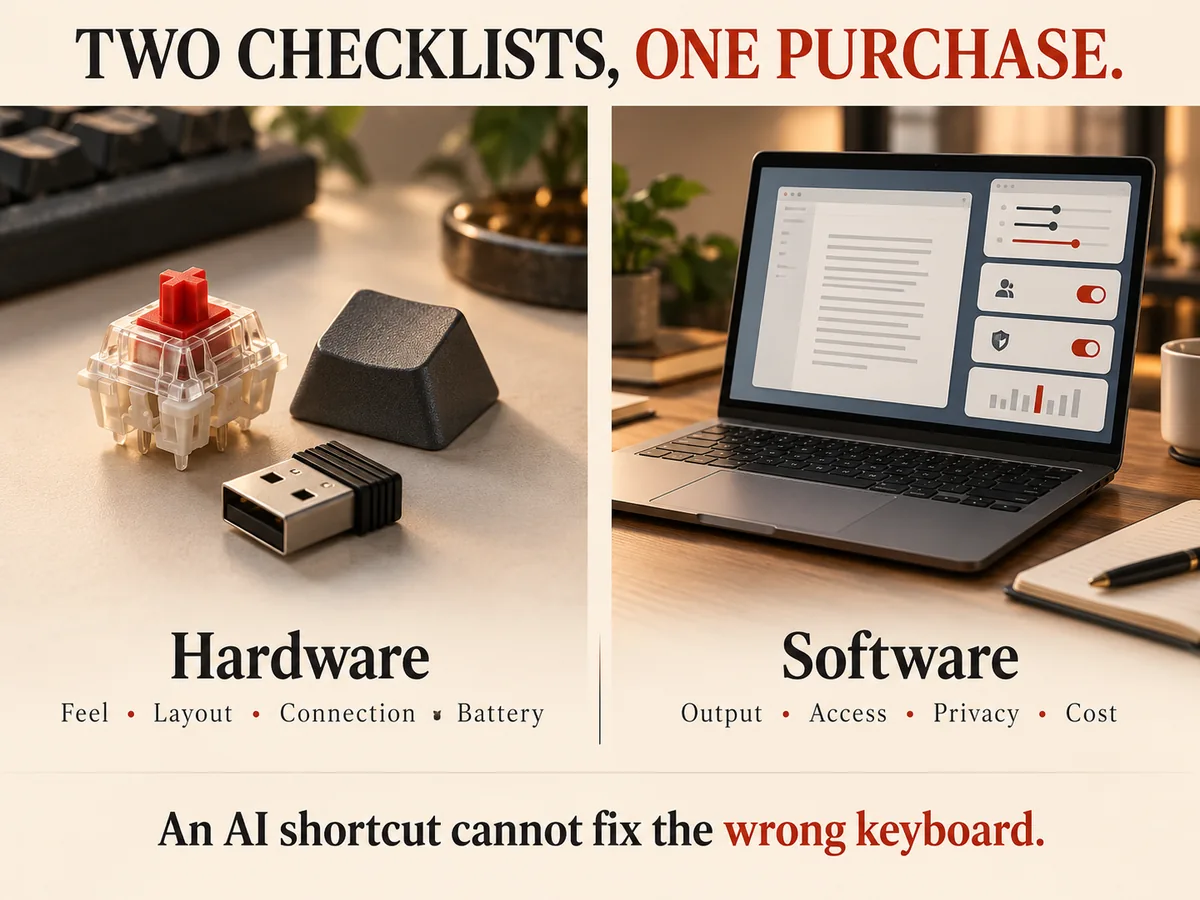
Typing feel. The author’s order is Logitech K98M, iFLYTEK T8, MiMouse MK87AI, MiMouse MK17AI, then RK and KZZI. The comparison emphasizes the contrast between a stronger tactile feel, smoother linear typing and a more balanced everyday response.
Quiet operation. The article places the scissor-style KB6AI first, followed by Rapoo’s membrane option and MK17AI. It considers MK87AI’s clicky-switch configuration the loudest of the group.
Connection stability. The source ranks K98M first, followed by MK87AI, T8, KB6AI, RK/KZZI and Rapoo. These are the author’s comparative assessments.
Battery life. Based on its stated four hours of daily use, the article reports 30 days for KB6AI, 20 for Rapoo, 18 for MK87AI, 15 for Logitech, 14 for T8 and 12 for RK/KZZI.
Appearance and durability. KZZI Z98 AI receives the author’s highest placement for visual design, with its playful appearance and RGB lighting. K98M and T8 follow, while the MiMouse models are characterized as office-focused or portable. For durability, the author places K98M first and MK87AI second.
The original overall ratings
The following ratings are the original author’s scores out of five.
| Model named in the source | Source score / 5 | Source positioning |
|---|---|---|
| MiMouse MK87AI | 4.8 | Broad AI tools and dedicated shortcuts |
| iFLYTEK T8 Spark edition | 4.7 | Meeting and voice workflows |
| MiMouse KB6AI | 4.6 | Portable, quieter typing |
| Logitech K98M | 4.5 | Typing hardware and build quality |
| MiMouse MK17AI | 4.5 | Finance-oriented workflow |
| KZZI Z98 AI | 4.4 | Appearance, RGB and value |
| RK R87Pro AI | 4.3 | Value-oriented mechanical option |
| iFLYTEK K1 | 4.3 | Basic voice and AI access |
| Rapoo E9050L AI | 4.0 | Lower-cost entry point |
The source describes MK87AI as its strongest overall combination of AI functions and hardware, while noting its higher price and louder typing. T8 Spark edition is praised for meeting and voice tasks, with price and the breadth of AI functions identified as drawbacks. KB6AI is positioned as a portable, quieter choice with a less distinctive membrane typing feel.
K98M is favored for build quality and warranty, MK17AI for finance-oriented work, and KZZI Z98 AI for value and RGB styling. The author presents RK R87Pro AI as another value option, K1 as a basic AI voice keyboard, and E9050L AI as the lower-priced entry in this comparison.
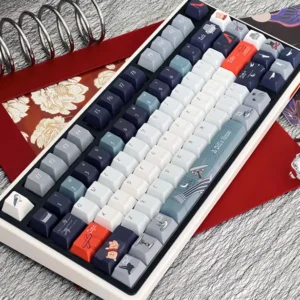
A GATHRA+ keycap option: Chinese Fortune Talisman
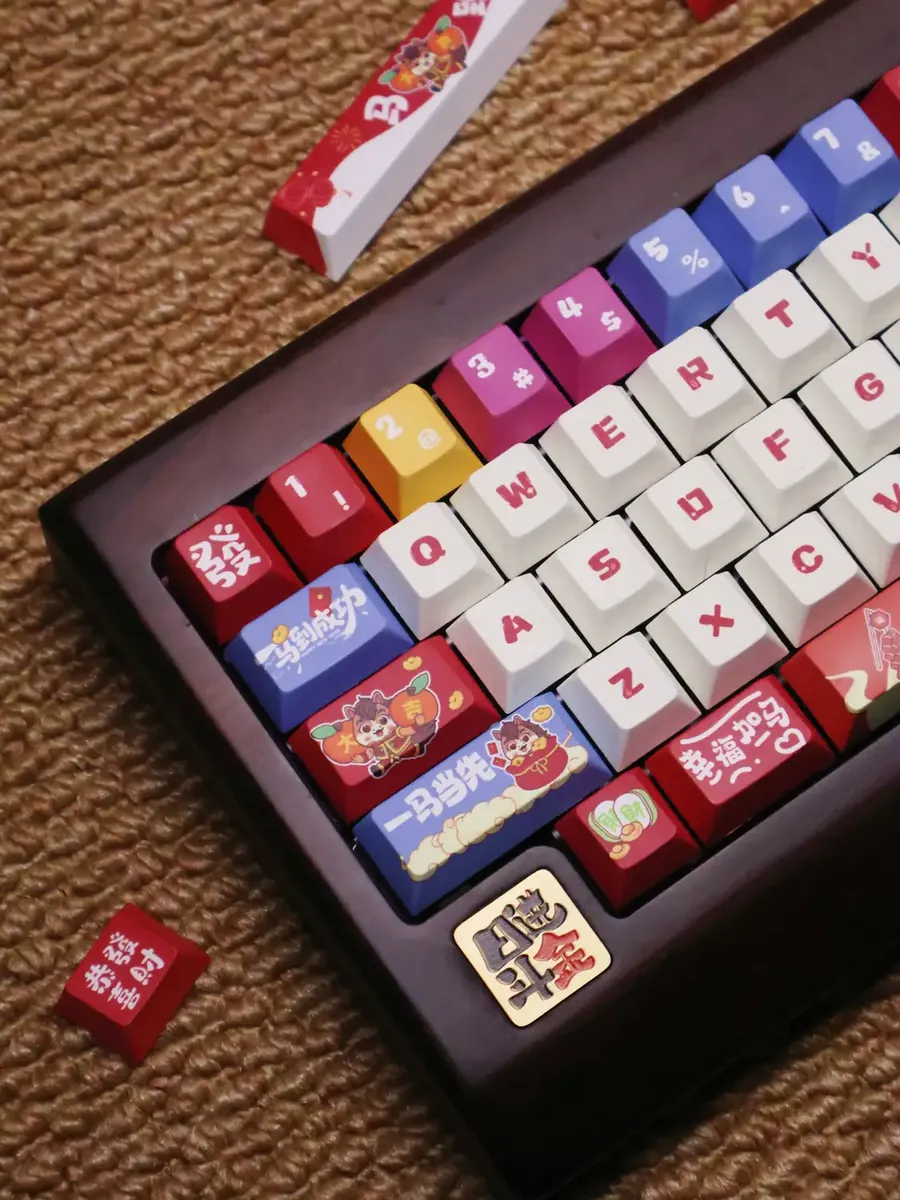
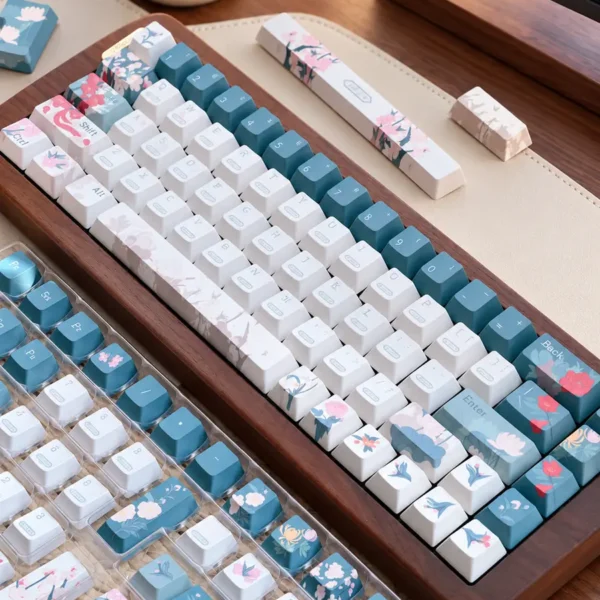
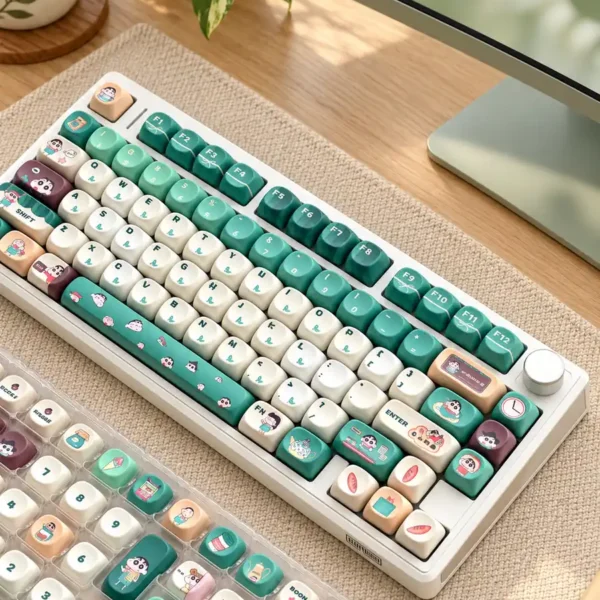
For a visual refresh on a compatible mechanical keyboard, GATHRA+ Chinese Fortune Talisman Keycaps offers 145 PBT keys with five-sided dye sublimation, a matte finish and MX cross-stem compatibility. This non-shine-through set contains keycaps only; check your keyboard’s layout and key sizes before ordering. This product addition is by GATHRA+ and was not part of the original ranking.
Source
2026 AI Keyboard Review Rankings: Nine Products Compared on AI Features and Hardware, Yige de Chuntian, Sohu, March 6, 2026. English adaptation by GATHRA+. Cover and explanatory diagrams are AI-assisted; the keycap photograph is from GATHRA+.