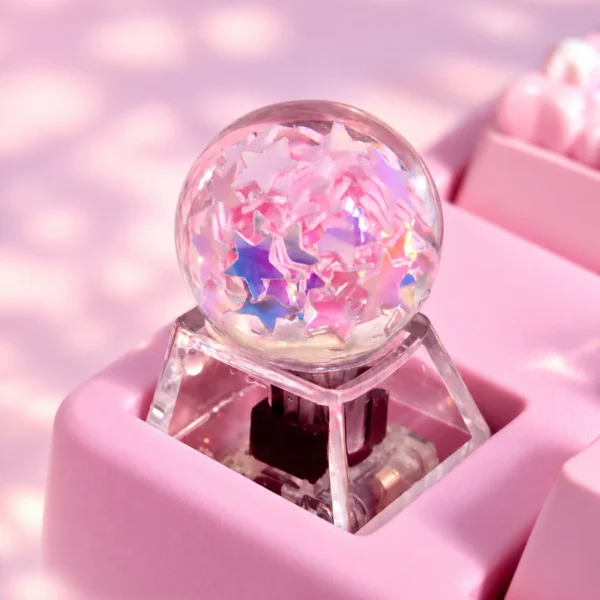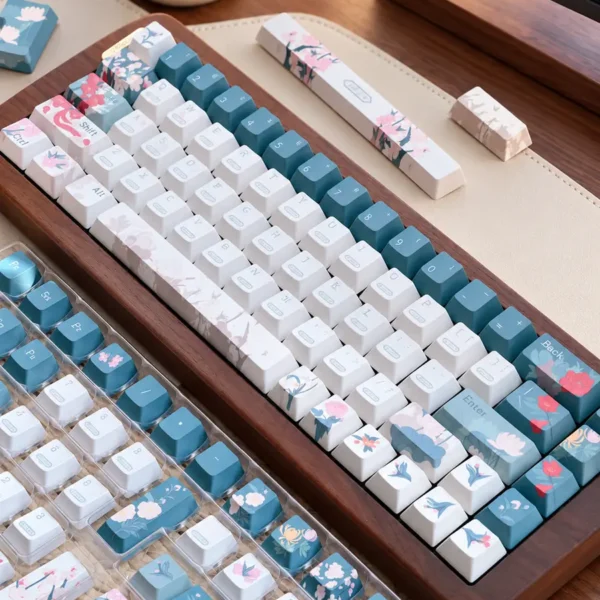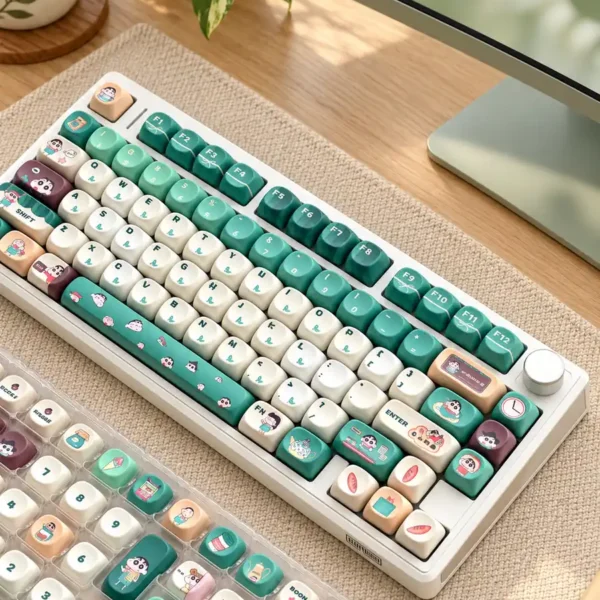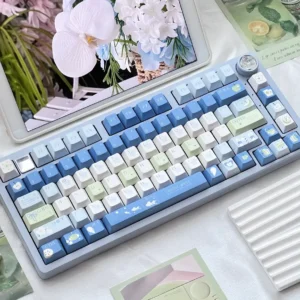
Keycap names can look like an alphabet puzzle: Cherry, OEM, SA, DSA, XDA and many more. They make more sense when you separate three questions: how high is the keycap, what shape touches your finger, and does the shape change across the rows?
This English adaptation keeps the 13 profile names introduced in the source guide, explains their broad differences and points out where a less common name needs a product-specific drawing. It is a starting point for choosing a set, not a universal height ranking.
A short history, with two useful corrections

Modern keyboards inherited much of their visual language from mechanical writing machines, but their history is more complicated than a single invention date. Sholes, Glidden and Soule received a typewriter patent in 1868, and Remington brought the Sholes & Glidden Type Writer to market in 1874. The Smithsonian connects its QWERTY arrangement with the need to prevent type bars from clashing; the broader history of the layout remains debated. It is too simple to say that QWERTY was invented solely to make people type more slowly.
The other correction concerns personal computers. IBM introduced the 5150 PC in August 1981, helping establish a major industry standard. It was not the world’s first personal computer: IBM’s own history explicitly notes that personal computers were available earlier.
That history explains the ancestry of the keyboard, but it does not tell you which keycap will suit your hands. For that, look at the shape of the parts you touch.
Historical references: Smithsonian: Sholes & Glidden Type Writer; Smithsonian: the typewriter patent and QWERTY debate; IBM: the 1981 PC.
What does “keycap profile” actually mean?

A profile describes a family of keycap shapes. Height is one part of it; the angle of the top, the shape of the finger contact surface and the way those features change from row to row also matter. Two caps can have similar overall heights and still feel quite different.
A cylindrical top forms a trough mainly along one axis. A spherical top is bowl-shaped in two directions. Both can sit inside a square or rounded-square outer shape, so “spherical” does not mean that the keycap itself must be circular.
Material is a separate choice. A profile name does not, by itself, tell you whether the cap is ABS or PBT, how the legends are made, or how durable the finish will be.
Sculpted rows and uniform rows

In a sculpted set, the height or angle changes between rows. This creates a shaped typing surface even when the switches are mounted on a flat plate. In a uniform set, ordinary keys share the same row shape, making their physical positions easier to rearrange when the key sizes also match.
Uniform does not mean that every key is interchangeable. A spacebar, stabilizer-mounted key or homing key can have special geometry. Legends and the widths required by your layout still matter.
Treat R1, R2 and similar labels as instructions for the particular set. Manufacturers can number rows in different directions, and some kits include alternative bottom rows. Follow the supplier’s row chart instead of applying one universal R1–R4 sequence.
1–3. Cherry, MDA and OEM
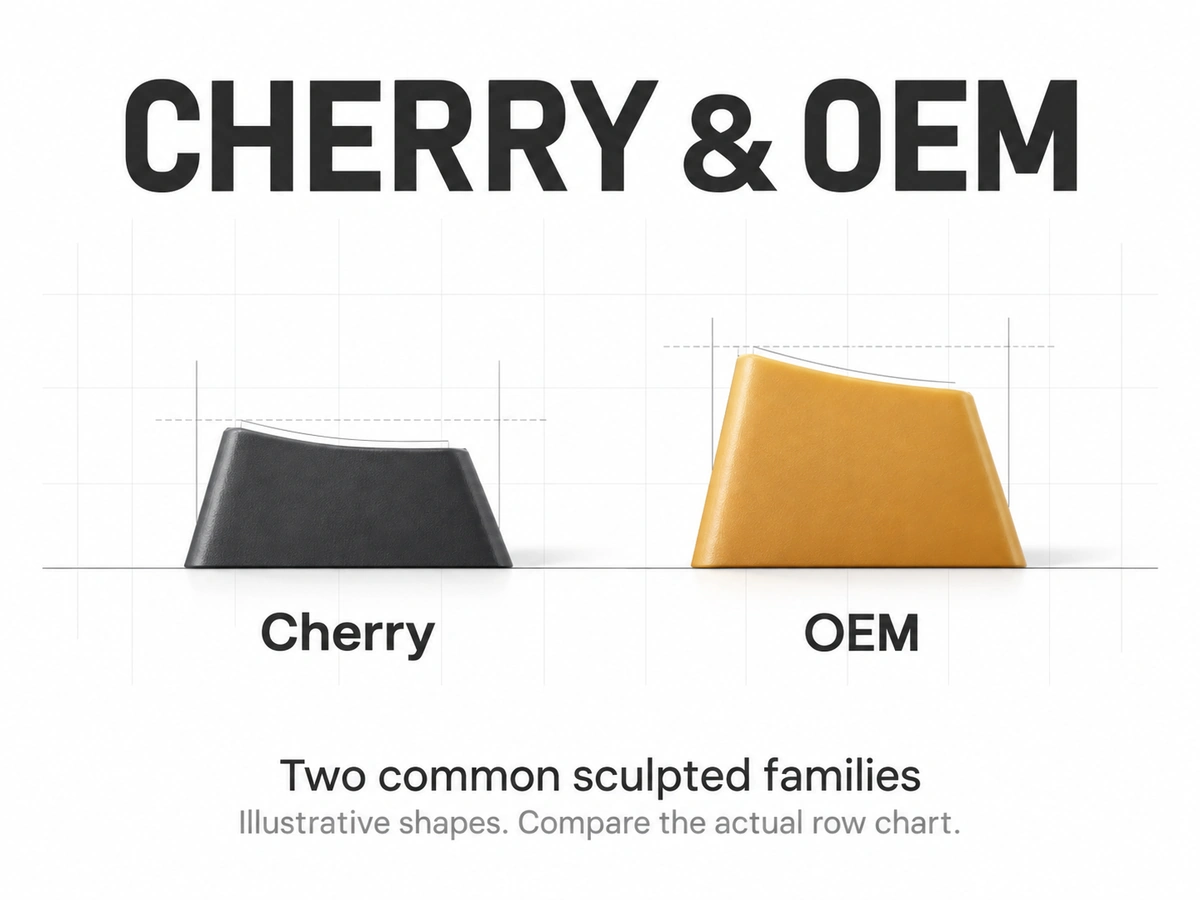
1. Cherry. A relatively low, sculpted family with cylindrical tops. It is a familiar reference point for comparing mainstream mechanical-keyboard keycaps. The Chinese term often translated as “original profile” refers to this shape; it does not mean that every Cherry-profile set was made by Cherry. Exact row geometry depends on the tooling used.
2. MDA. The source presents MDA as a fuller, medium-height alternative, with a broader-feeling finger contact area. Common MDA sets use rounded or spherical tops and row sculpting. Check the actual kit diagram: listings using the same profile name do not always describe identical molds, and a larger top is not automatically more comfortable.
3. OEM. A widely used sculpted profile, typically taller than Cherry and often supplied with prebuilt keyboards. “OEM” abbreviates “original equipment manufacturer”; it is not a technical label for all third-party or non-original keycaps. Treat OEM as a familiar market profile name, with dimensions that can vary between manufacturers.
4–8. ASA, OSA, SA, MG and MIX

These names move the discussion toward rounded or spherical contact surfaces. Similar-looking tops can be combined with very different body heights and row angles, so a photograph from above is not enough to compare them.
4. ASA. Akko describes ASA as a medium-height sculpted profile with rounded tops. It offers a different contact shape from typical cylindrical Cherry or OEM caps. Check the specific variant and row chart rather than assuming that every product with ASA in its name shares one height.
5. OSA. The source describes a rounded, sculpted profile with a generous top surface. Manufacturer comparison charts show OSA as distinct from ASA and OEM. Avoid turning that into a universal “OSA is always taller than ASA” rule; identify the actual manufacturer and set.
6. SA. Known for a tall body and spherical dish, SA is associated with a classic terminal-like appearance. Many SA kits are sculpted, although some sets use repeated row shapes. The extra height changes the relationship between the key tops and your desk; it does not establish a guaranteed advantage in comfort or sound.
7. MG. A tall spherical family associated with MelGeek. The original guide places it below SA in height, but a fixed ranking without a row-by-row comparison is not reliable enough to use as a buying rule. Compare the specific MG and SA kits you are considering.
8. MIX. The source uses this less common name for an SA-like design with reduced height and a flatter, wider-feeling contact surface. That is a description of the profile shown in the original guide, not a universal dimensional standard. Ask for the maker’s side-view chart before buying a set listed under this name.
Manufacturer comparison: Akko profile chart. The chart describes specific designs rather than a universal standard.
9–12. DSA, XDA, ARC and PG

9. DSA. A familiar low, uniform profile with spherical dishes. The ordinary row keys share a repeated shape, unlike the changing rows of a sculpted set. Its typing surface is sometimes described as “flat,” but the individual key tops are still concave.
10. XDA. Another familiar uniform family, commonly associated with broad spherical tops. DSA and XDA belong to the same broad category of repeated row geometry, but they are not identical shapes. The source’s claims about the first designer and patent priority are omitted here because they were not independently established.
11. ARC. The original guide describes ARC as an XDA-derived design with uniform rows and a larger contact surface. This is a less widely standardized label, so treat those details as the source’s description and confirm them against the exact product drawing.
12. PG. The source introduces PG as another low, XDA-like design, with a broad contact area and a height below the ARC example shown. That comparison should stay attached to those examples; it is not proof that every PG-labeled product will be lower than every ARC set.
The practical distinction is easy to miss: a repeated row shape helps with repositioning, while the top dish determines how your fingertip meets the cap. Neither property tells you, on its own, whether the entire kit covers your keyboard.
13. KAT: a sculpted spherical alternative
KAT stands for Keyreative All Touch. Keyreative’s design explanation describes spherical keycaps with a distribution of row inclinations developed in comparison with Cherry and SA. It is a useful option to investigate if you want spherical tops and sculpted rows without simply choosing the tallest-looking family.
The original guide describes KAT as lower than SA. Use that as a broad introduction, then compare the actual rows rather than expecting one number to describe a whole keyboard. KAT should also not be confused with KAM, Keyreative’s separate profile family.
Other names appear in the original closing list, including JDA, ADA and SP. JDA and ADA may appear in product listings, but “SP” commonly refers to Signature Plastics, a manufacturer of several different profiles. It is not enough information to identify a keycap shape.
Design reference: Keyreative: KAT profile design and information.
The 13 names at a glance
| Profile | Broad description | What to check |
|---|---|---|
| Cherry | Lower sculpted family | Cylindrical tops; follow the kit row chart |
| MDA | Commonly medium and sculpted | Rounded tops; verify the actual tooling |
| OEM | Common sculpted family | Often taller than Cherry; dimensions vary |
| ASA | Medium sculpted family | Rounded tops; check the variant |
| OSA | Rounded sculpted family | Use the maker’s comparison chart |
| SA | Tall spherical family | Check whether the chosen kit is sculpted or uniform |
| MG | Tall spherical family | Do not assume a fixed height ranking against SA |
| MIX | Less common source-described label | Request a product-specific side drawing |
| DSA | Low uniform family | Repeated rows with concave spherical tops |
| XDA | Uniform family | Broad tops; not identical to DSA |
| ARC | Source-described uniform design | Confirm geometry and maker |
| PG | Source-described low design | Confirm geometry and row consistency |
| KAT | Sculpted spherical family | Use the KAT kit’s row chart |
No exact millimeter measurements are assigned here. A profile family can contain different row heights, alternate rows and manufacturer-specific variations.
How to choose a profile for your keyboard

Start with the keyboard you already own. Record its layout and unusual key sizes, identify the switch-stem connection and compare those details with the complete kit diagram. A label such as 75% or TKL is a useful starting point, not a guarantee that every modifier will fit.
Next, compare a candidate profile with something familiar. If your current caps feel too tall, a lower family is a reasonable direction to investigate. If you dislike a deep bowl, compare the top surfaces as carefully as the overall height. Change one feature at a time when possible so that you can understand the difference.
The original article suggests palm support for taller profiles. Whether it helps depends on the entire setup, including case height, keyboard tilt, desk position and your typing posture. A profile name alone cannot promise less fatigue.
Finally, keep expectations about sound and speed modest. Switches, plate, case, mounting and typing technique all contribute to the experience. A cap’s profile is one variable, not a complete description of how the keyboard will behave.
A GATHRA+ option: Steel Toy

Publisher addition. This product example was added by GATHRA+ and is not a recommendation or hands-on assessment by the original author.
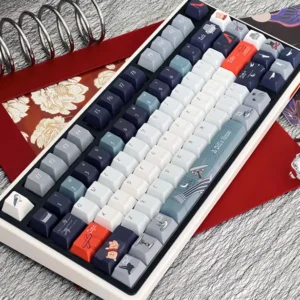
For an illustrated gray, navy and white colorway with red accents, consider GATHRA+ Steel Toy Keycaps. The official listing specifies PBT construction, a matte surface and five-sided dye sublimation.
The kit lists 139 keys, MX cross-stem compatibility and 2.25U, 2.75U, 6.25U and 7U spacebar support. Match each required modifier and spacebar to your keyboard rather than relying only on a layout percentage. These keycaps are non-shine-through; the displayed keyboard and props are not included.
The listed specifications do not identify a named profile family. We therefore do not label the set Cherry, OEM or another profile based only on a photograph. Ask for its row diagram and dimensions if a specific height or slope matters to you.
Choose the geometry, then the design
Cherry, OEM, SA, DSA and the other names are useful shortcuts, but the most useful comparison is still concrete: how tall are the keys, what shape is the top, do the rows change, and does the kit fit?
Use the 13 names in this guide as a way to narrow your options. Then check the specific set, rather than assuming that a famous profile is automatically the most comfortable one. The best choice is the one whose geometry, appearance and compatibility work together on your keyboard.
Source and image credits
Original guide: Chinese article on WeChat. The closing signature in the provided screenshots is “Xiao Wenzi of Yixue Peripherals”. The original headline and publication date were not visible in those screenshots.
English edition: translated, reorganized and edited by GATHRA+. Historical claims have been checked against the linked Smithsonian and IBM references; the original numerical height graphics and unverified invention-priority claims have not been reproduced as authoritative specifications. Descriptions of MIX, ARC and PG remain explicitly tied to the source examples.
Images: the cover uses an AI-assisted layout based on an official GATHRA+ photograph. Seven body diagrams are newly generated conceptual illustrations. The final product photograph comes from the GATHRA+ website and is compressed to WebP without changing its composition. These images do not represent hands-on tests or precise engineering drawings.